Shelf end: find the call number
Find a book from a call number on a card. Read the first word of its title, then leave it on the shelf.
Program guide · Libraries, classrooms, youth groups, camps
A real-life Among Us-inspired game fits a library program, a club meeting, or a youth group game night. Players walk to simple tasks, watch each other, and argue their case at a meeting. This guide gives you a session plan, room setup, device rules, and a task list with no running and no moving furniture.
Most players are crew. A few are secretly intruders. The crew completes small tasks in different parts of the room. Intruders pretend to do tasks and try to stay hidden. When someone calls a meeting, everyone gathers, shares what they saw, and votes on who to remove. The crew finishes tasks to expose the intruders, then wins by voting out every intruder.
You can run this with paper role slips and a whiteboard. Sus Party is the easier option for most groups: it deals private roles, tracks tasks, and runs the votes in each player’s phone browser. There is no account and no install. For the full rules, read how to play Among Us IRL or the Sus Party host guide.
One game room works well for about 6 to 15 players and supports up to about 15. With 20 or 30 students, split them into two or three games that run side by side in separate areas, each with its own room code and adult. Another option is to run one game while a second group plays a different activity, then swap.
In Sus Party, each player needs a browser and internet. Check the Wi-Fi before the session. Some library and school networks block game sites, so test the page on the network you will use. If not every player has a phone, you have three honest options:
Set a device rule at the start: screens stay on the game, and phones stay in hands or pockets, not on the floor or furniture.
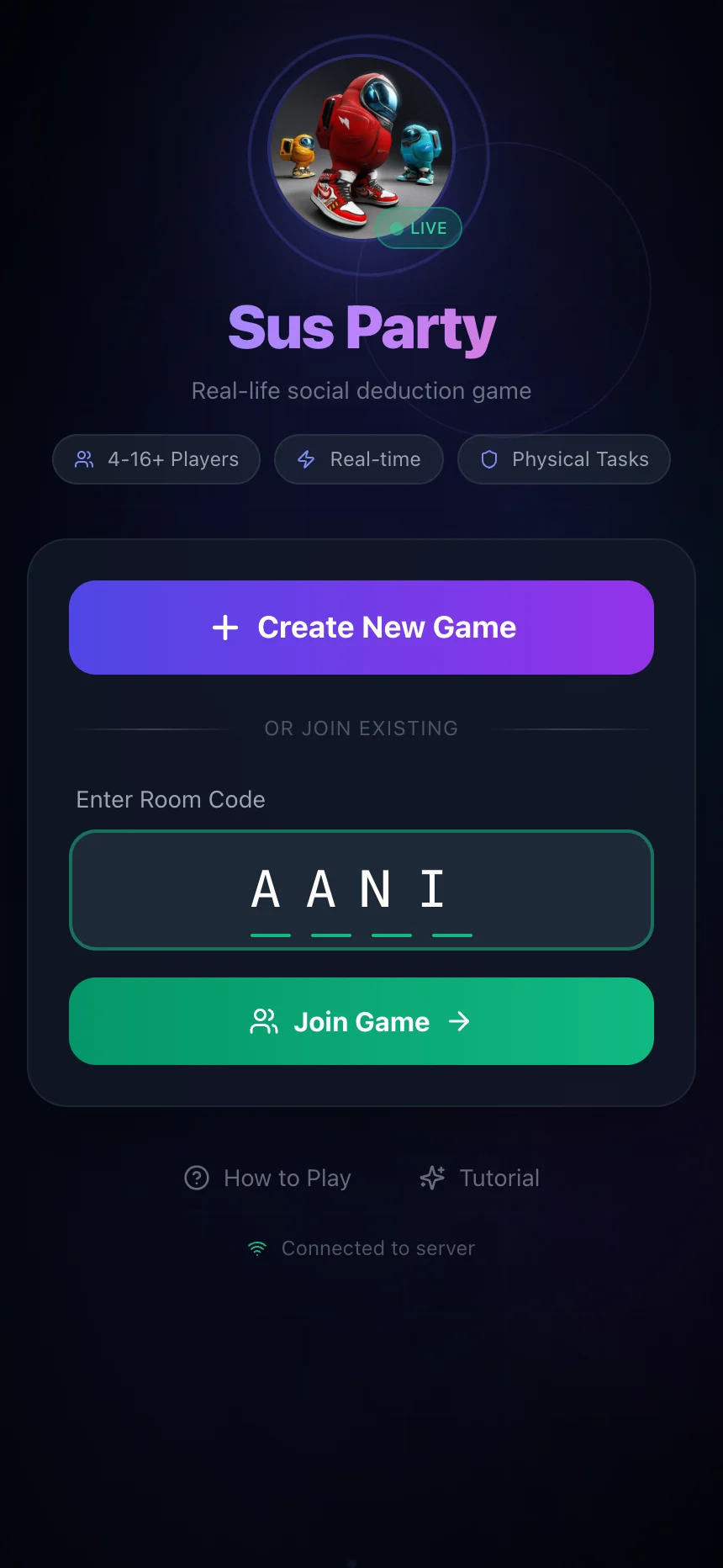
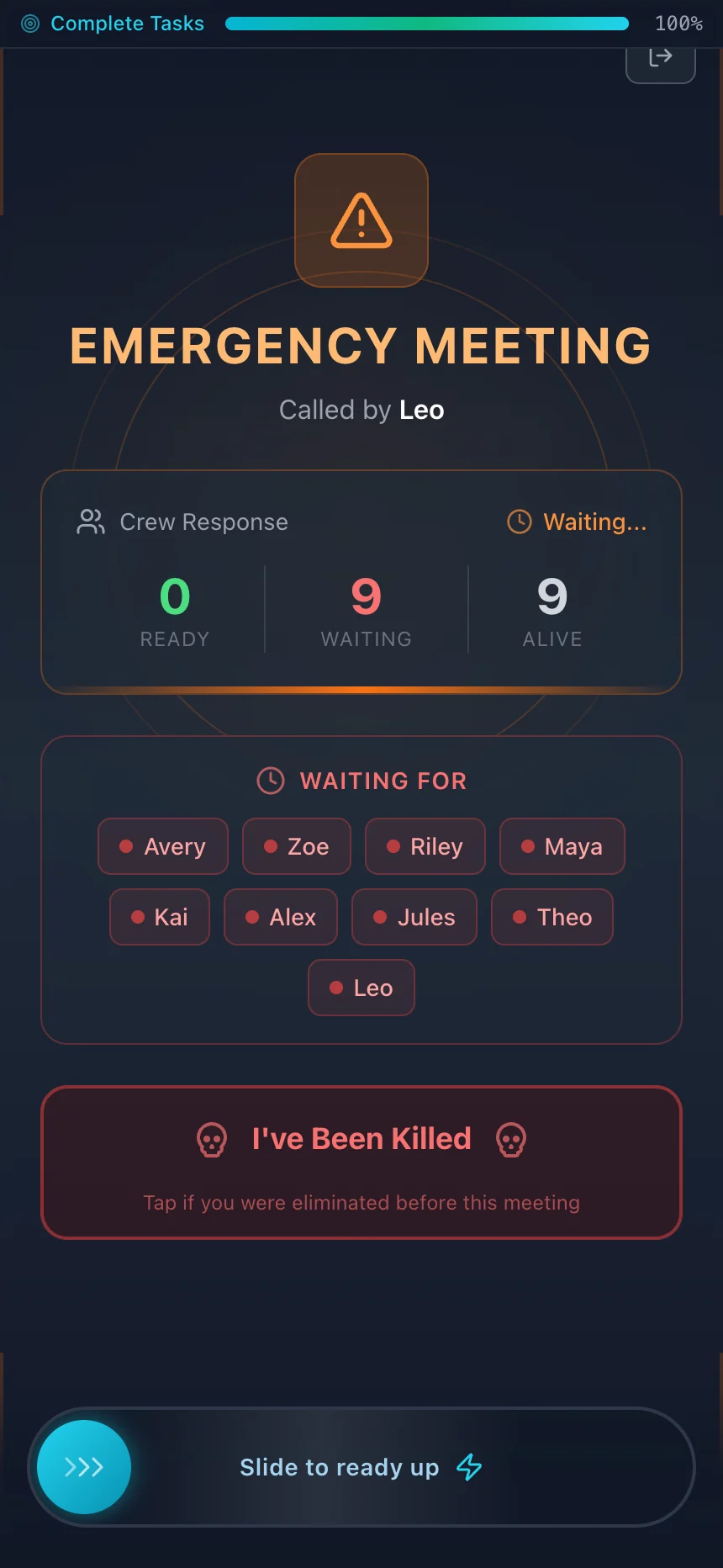
Example games with fictional players. Select a screen to view it full size.
Explain roles, tasks, meetings, and voting. Show the meeting point and the boundaries. Ask two volunteers to act out a fake meeting so everyone sees how it works.
Put the room code on a board. Let everyone join, then play a short practice round with one intruder and the roles revealed after. Answer questions.
Play two to four rounds of 10 to 15 minutes. Use one intruder for small groups and two for groups of eight or more. Rotate who hosts if you have older students.
Sit in a circle. Ask what evidence convinced people, which arguments worked, and what the intruders did to blend in. End on time, not mid-round.
For a 60 minute slot, cut the practice round to a walkthrough and play two main rounds. For 90 minutes, add a round where players suggest one new task.
Pick three to five task zones you can see from one spot, such as a reading corner, a table cluster, a shelf end, and a whiteboard. A long hallway or a separate room makes supervision harder, so only use it with a second adult. Choose one meeting point with enough chairs or floor space for a circle.
Mark the boundaries with signs or tape on the floor. Tell players which areas are off limits: staff desks, exits, stairwells, bathrooms, and anywhere other patrons are working. In a public library, schedule the game for a program room or after hours if you can. If you have a projector, the optional Reactor display can show progress to the whole group.
Every task here is quiet, seated or standing, and leaves the room as it was. Reset any shared items before the next player arrives.
Find a book from a call number on a card. Read the first word of its title, then leave it on the shelf.
Put six numbered cards in order, then shuffle them face down for the next player.
Copy a five-symbol code from the board onto your own scrap paper.
Count the cushions or chairs in the corner without moving them. Remember the number.
Find the earliest date on any notice and write it down.
Answer one simple math or word clue taped to the table. Leave the clue in place.
Need more? The task generator has a school preset you can edit for your room names and group size. For a paper version, use the printable task cards.
Plan for one adult per game room. That adult watches the zones, answers rule questions, and calls a pause if play gets rough. For players around 8 to 10, use fewer tasks, one intruder, and read tasks aloud if needed. Teens can handle two intruders and longer meetings.
Watch for players who are voted out early every round. Rotate roles, keep rounds short, and give eliminated players a job, such as timekeeper for the next meeting. Check your organization’s device and internet policies before you plan the session, and get permission for phone use where it is required.
For a classroom, tie the debrief to a lesson. Ask students to name one claim that had evidence and one that did not. For more games in this style, see the social deduction games guide.
This opens the school preset for twelve players. Rename the areas to match your library or classroom, remove anything that needs running or moving furniture, then take it into host setup.
Free browser game · No account or install · Everyone plays in the same place