Among Us IRL › Rules guide
How to play Among Us in real life at home
Make your living room the meeting point and the rest of the house the task map. Crew members follow their phone lists. Intruders pretend to belong. This guide takes you from a task pack to the first accusation, using Sus Party’s actual rules.
Before the game
From an empty room to a playable game
Each player needs a phone browser and internet. Start with shared areas and materials that you already have. A larger Reactor screen is optional. The host can create a phone-only room.
Choose a safe zone
Choose approved rooms and mark private or restricted spaces out of play.
Set the meeting point
Pick one place for every meeting. Choose one clear signal to start a meeting.
Pick the intruder count
The game settings recommend one intruder for 4–6 players, two for 6–10, three for 10–15, and four for 15+.
Prepare the task list
Open the generator with your rooms and player count. Review each task and supply its materials before you save the pack.
Create the room and invite friends
Select “Use these tasks in a new game,” create a room, and select “Import generated tasks.” Review the settings and share the code.
Set the meeting point, walking pace, and silence rule for eliminated players before you start. Sus Party requires at least three task entries per player before the game starts. The task generator offers presets for classrooms, vacation houses, and other venues.
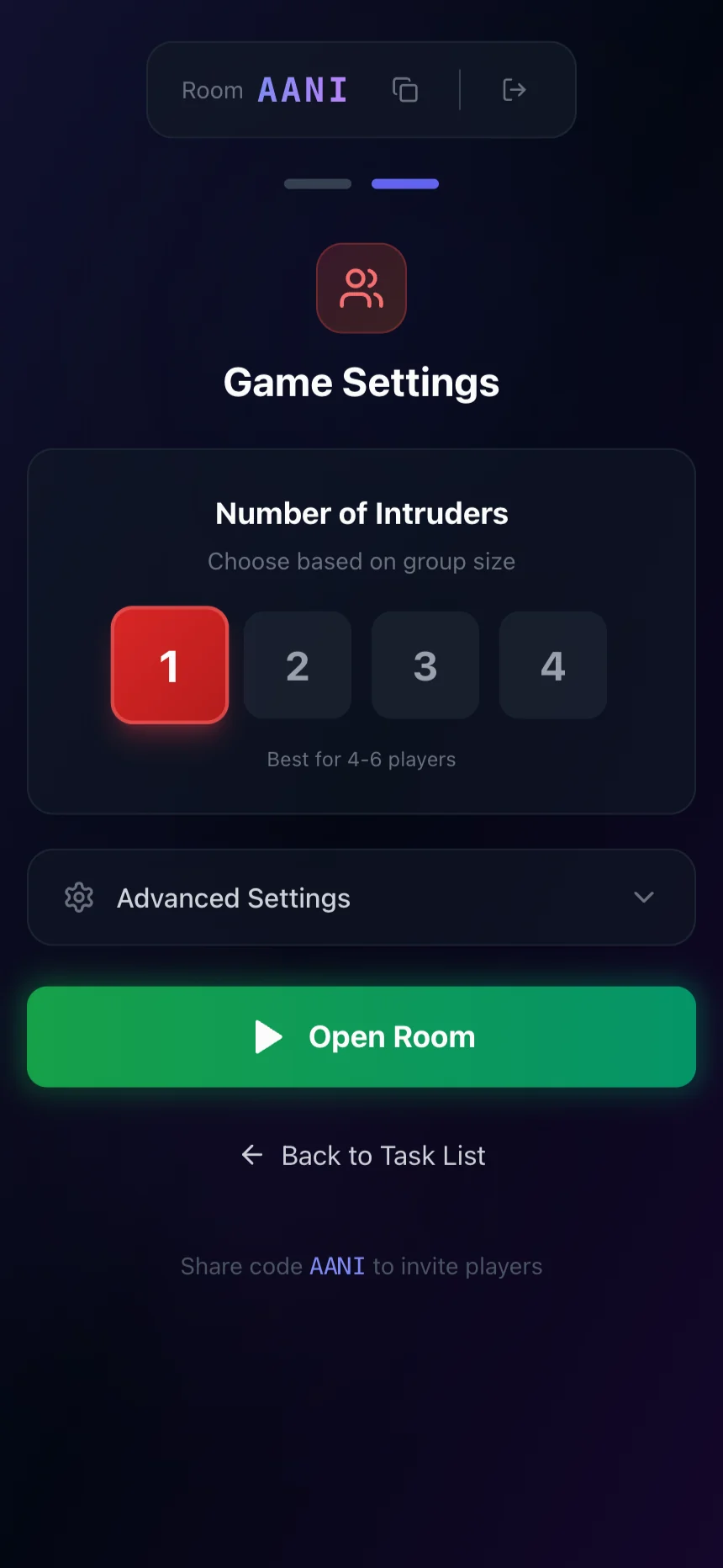
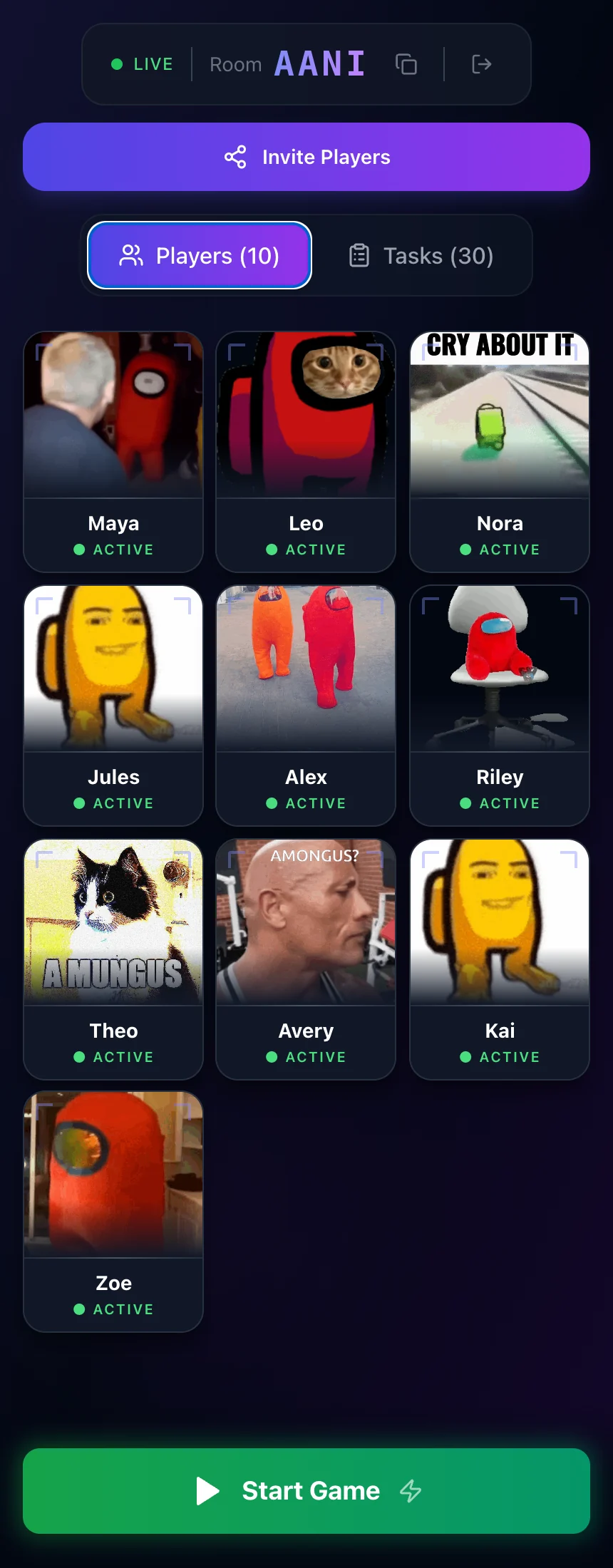
Example games with fictional players. Select a screen to view it full size.
Roles
What each side does
Crewmates
- Complete tasks from their phone list.
- Call meetings and share useful observations.
- Vote to remove intruders.
Intruders
- Act like crewmates and keep their role hidden.
- Use the in-game actions that the host enables.
- Try to reach parity with the living crew.
Keep sabotage inside the app. Use shared, host-approved materials for physical tasks.
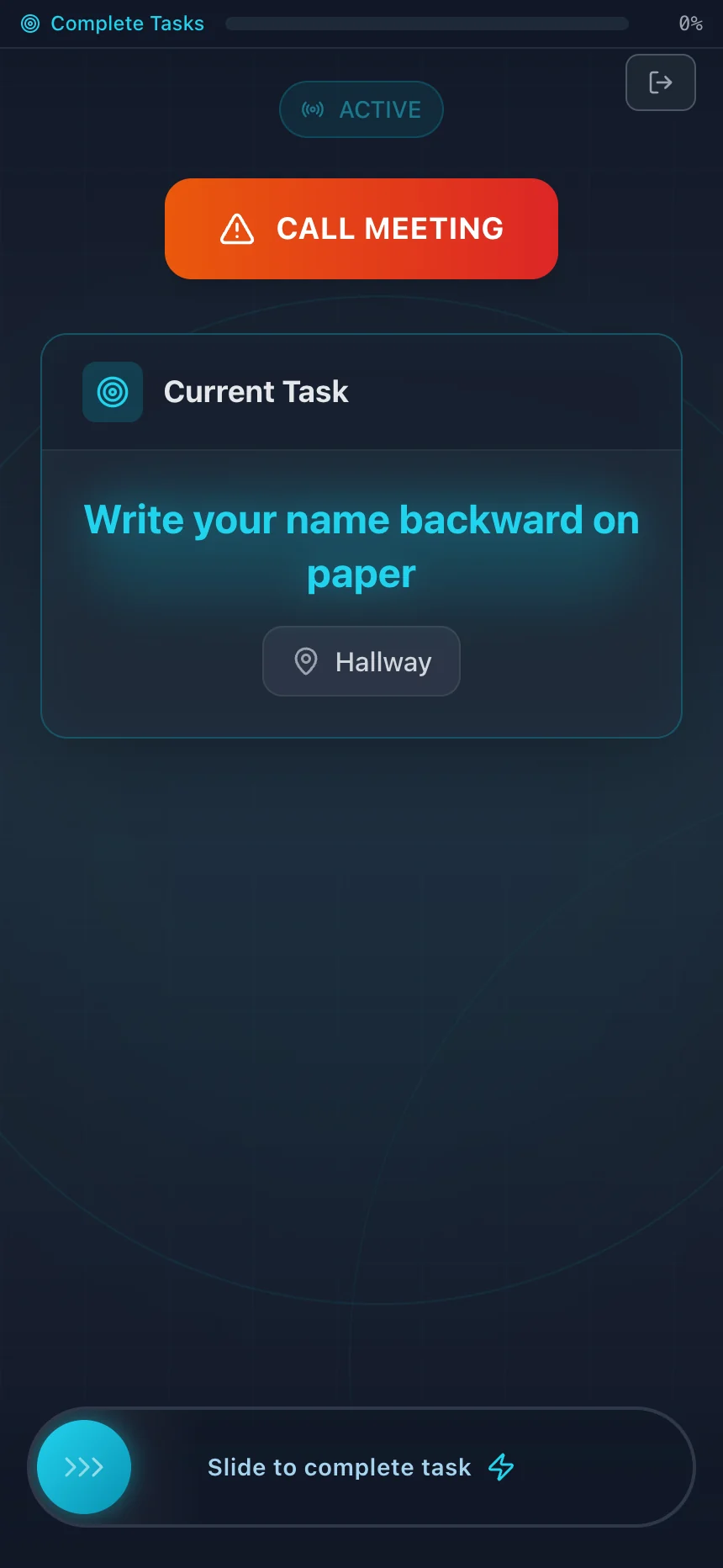
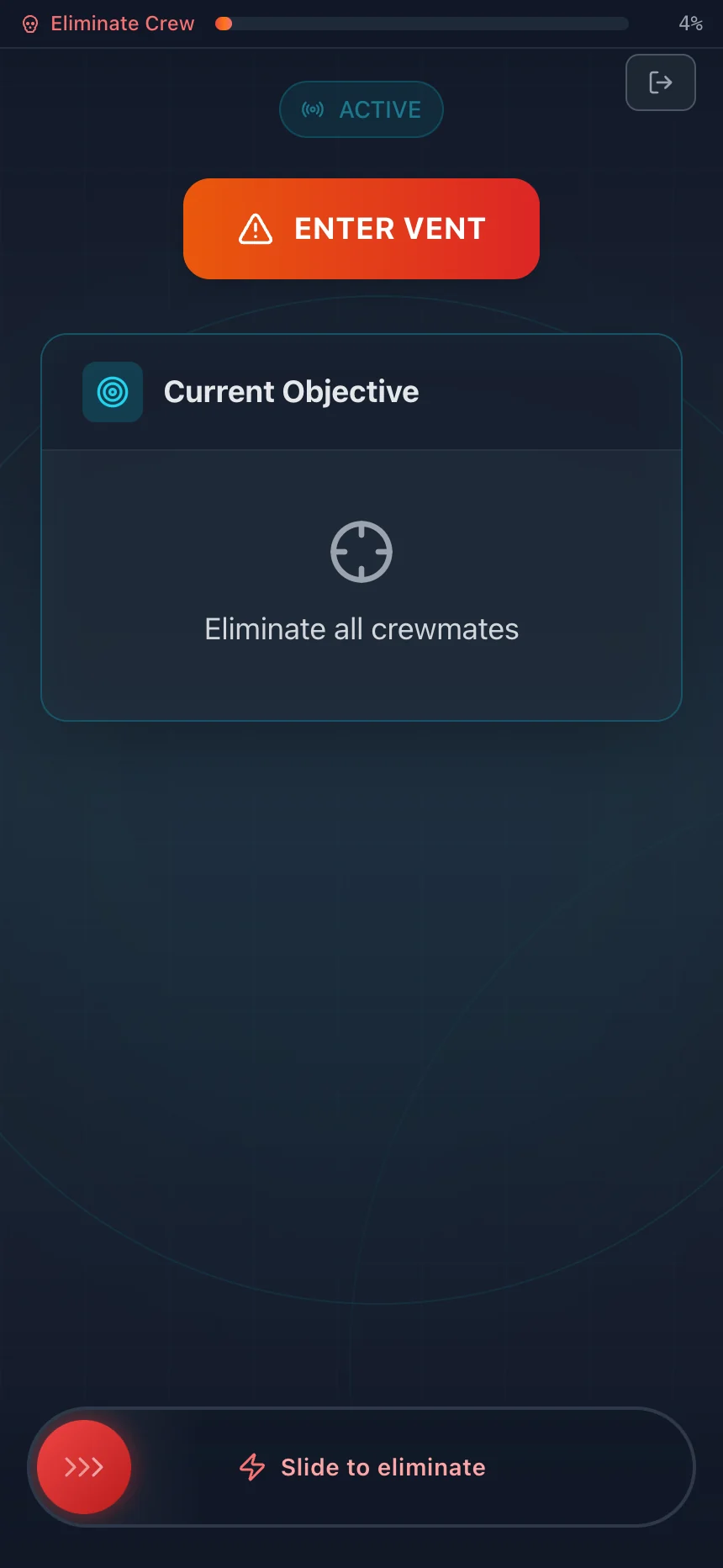
Example games with fictional players. Select a screen to view it full size.
Sample round
What one round can look like
Start with eight players
Choose two intruders, which matches the game settings recommendation for six to ten players.
Complete tasks in public rooms
A crewmate counts coasters at the dining table, records the count, and slides to complete the task on their phone. An intruder needs a convincing reason to be nearby.
Call a meeting
A living player calls a meeting. Everyone gathers in the living room. Ask who saw whom, where they were, and whether their task explains it.
Submit votes
Players vote from their phones. A tie or a total below the threshold results in no ejection.
At the task goal, Sus Party reveals the names of living intruders. The crew still needs to vote out every intruder to win.
You know the round. Now prepare the rooms.
Open the eight-player house preset, swap in your real areas, and review the task list. The saved pack carries into host setup.
Free browser game · No account or install · Everyone plays in the same place
Meetings
How meetings and votes work
A living player can call a meeting during a round. Everyone goes to the agreed point and discusses observations before they submit votes.
Sus Party uses a three-minute vote timer by default. Living players can vote for a player or veto the meeting. The host can change the vote threshold in settings.
The default ejection threshold is 66% of living players. The app shows live totals by candidate, so votes become part of the conversation.
- A tie for the top vote count does not eject a player.
- A total below the threshold does not eject a player.
- A veto from more than half of living players ends the meeting without an ejection.
- Eliminated players do not vote in later meetings.
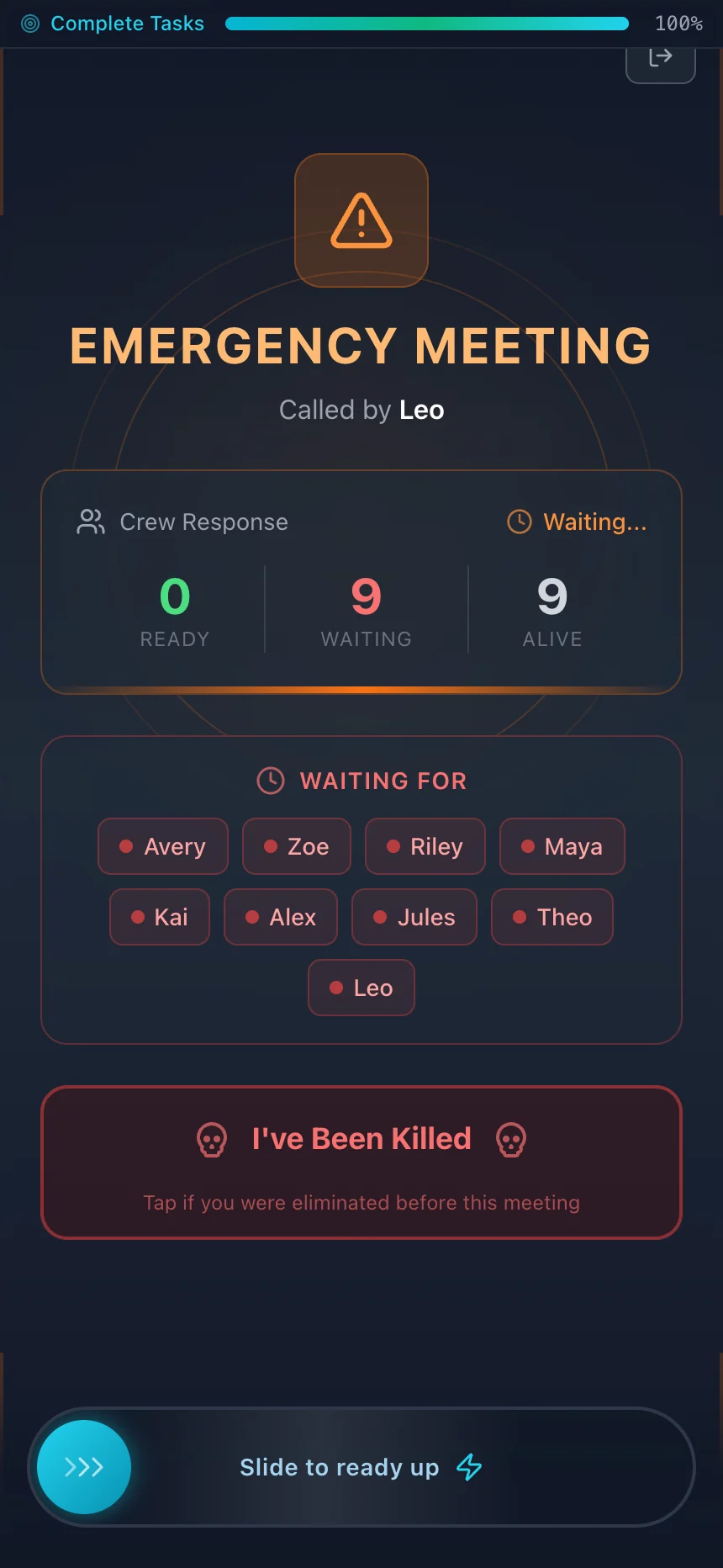
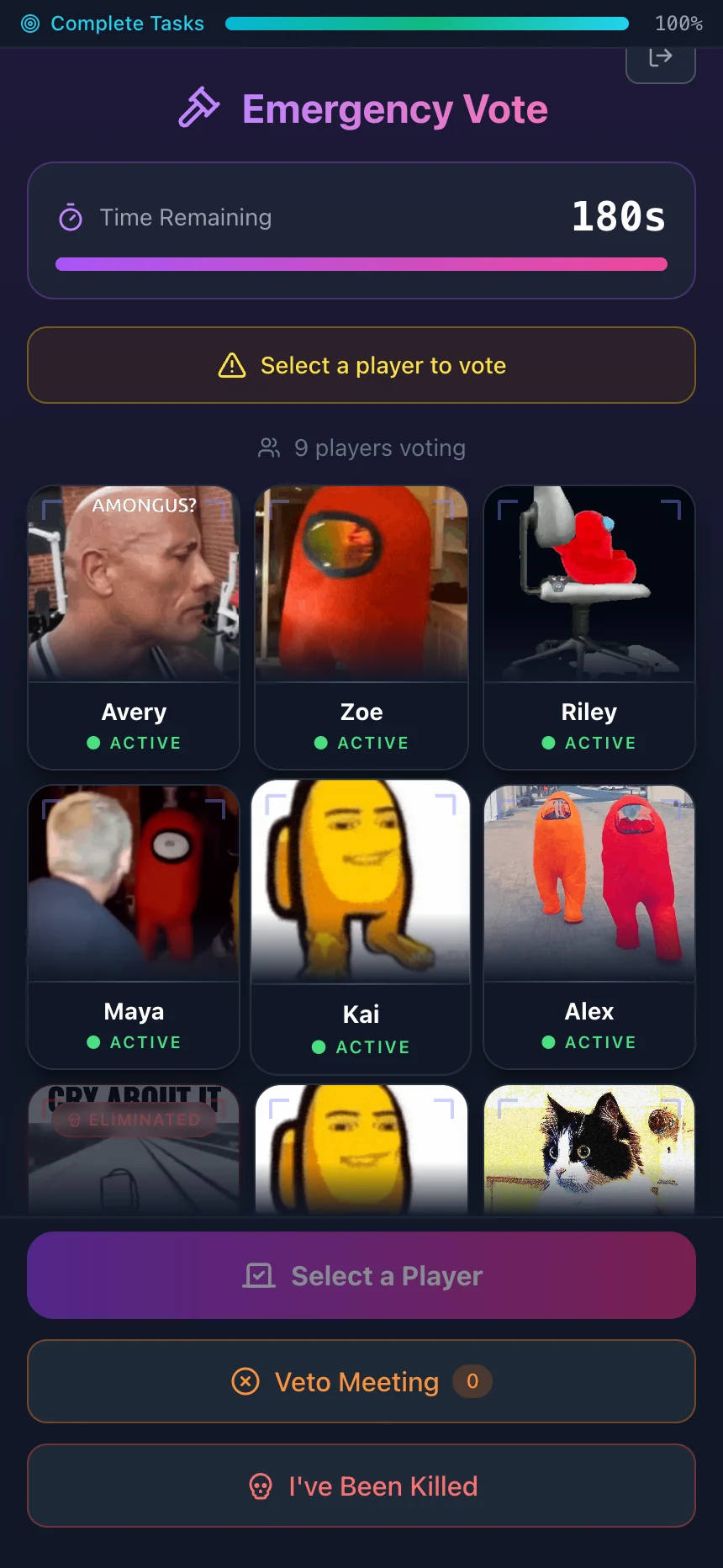
Example games with fictional players. Select a screen to view it full size.
Win conditions
How each side wins
Crewmates win
Vote out every intruder. Completing tasks reveals the living intruders but does not end the game.
Intruders win
Reach the same count as the living crew after an elimination, or let an active Reactor meltdown reach zero.
Host checks
Common host mistakes
The play area has no clear edge
Fix: Name every allowed room before roles. Keep private, unsafe, or restricted spaces out of play.
Tasks lack a finish check
Fix: State one room and one clear result for each task. Remove tasks that need private belongings or special access.
Eliminated players share clues
Fix: Set a silence rule before play. A dead screen does not stop speech, gestures, or hints.
Players disagree about votes
Fix: Explain the default threshold and veto rule before the first meeting. Sus Party shows live vote totals.
Players use real building equipment
Fix: Keep sabotage inside the game. Do not touch alarms, locks, breakers, vehicles, or appliances.
Access options
Offer a low-movement round
Ask each player what movement and task formats work for them before role assignment. Keep every task within a seated area or a short, step-free route.
- Remove stairs, timed movement, and tasks that need a reach or grip.
- Offer a spoken, typed, or pointing answer when a task allows it.
- Do not use clues that depend only on color, sound, or small print.
- Use the low-movement task preset as a draft.