Place: Dining area
Done when: Record the count in your task notes.
Among Us IRL › Task ideas
A task gives a crewmate somewhere to go and an intruder an excuse to follow. Pick short jobs that fit your space, then spread them across the map. Each example below names the room and the result that counts as complete.
Use paper or a personal note for counts and titles. After each task, slide to complete it on your phone.
Sus Party trusts players to mark tasks complete and does not verify answers.
Use these ideas for a paper game, or add your favorites to a Sus Party list. No task needs a host reply.
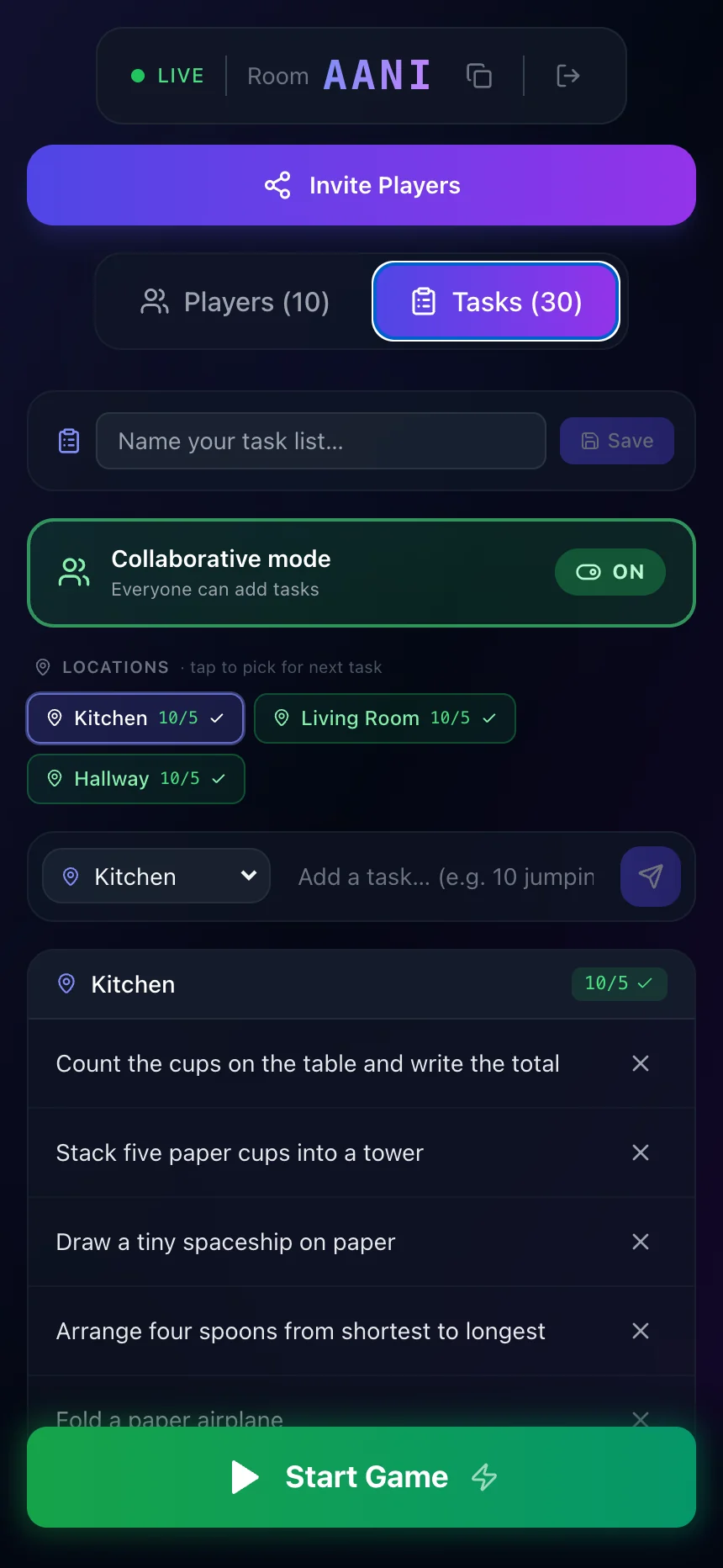
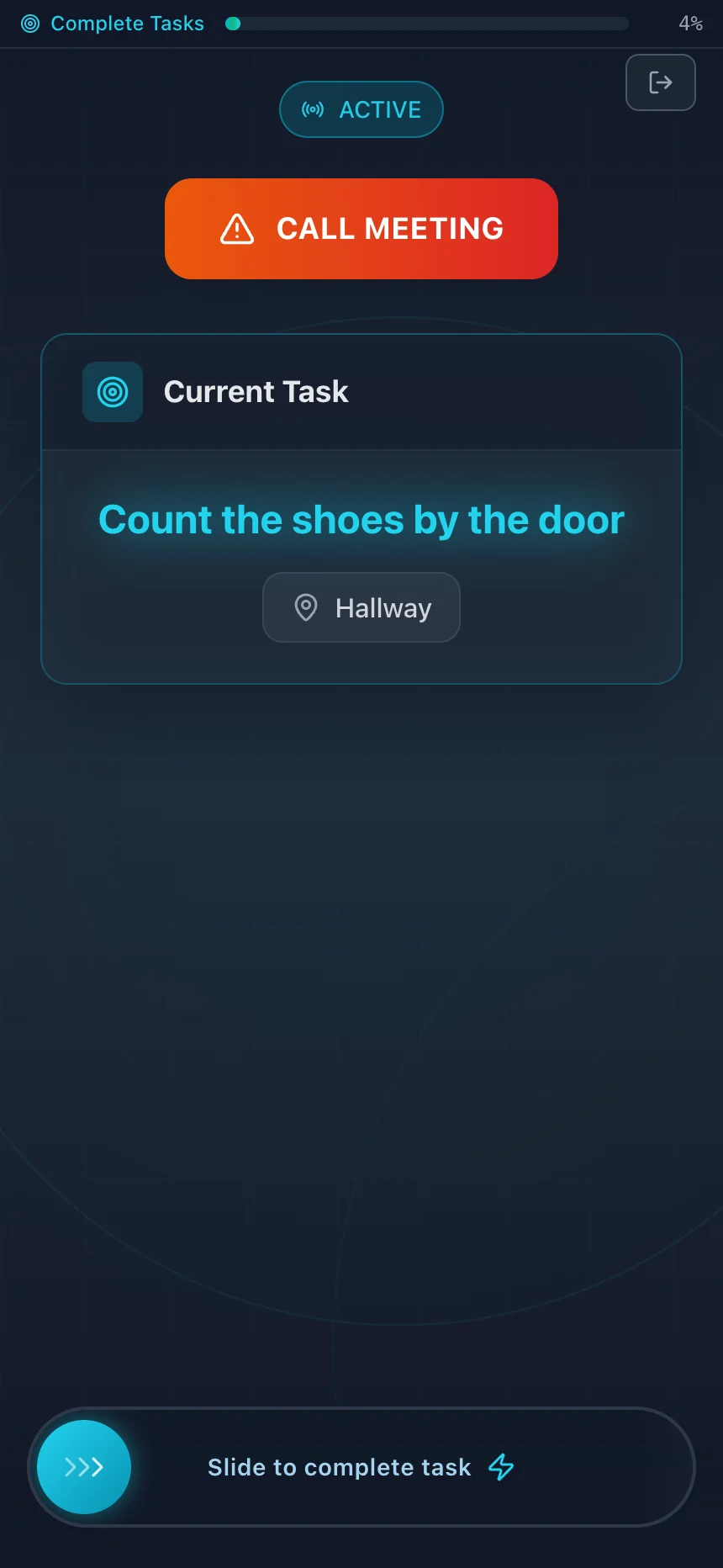
Example games with fictional players. Select a screen to view it full size.
Choose your areas and player count. Review the generated pack, select “Use these tasks in a new game,” and import it in host setup. You can edit the list there.
Free browser game · No account or install · Everyone plays in the same place
Task list
Use visible shared items and a card with a short symbol sequence. Put the game materials on a separate table before the round.
Place: Kitchen
Done when: Record the count in your task notes.
Place: Kitchen table
Done when: Compare your copy with the card, then leave the card for the next player.
Place: Kitchen sink
Done when: Record the color in your task notes. Leave the bottle in place.
Place: Kitchen
Done when: Record the count in your task notes.
Place: Kitchen table
Done when: Check that the row contains three cups. Leave appliances off.
Task list
Use a teacher-approved room and shared materials. Set out markers, index cards, and a symbol-to-letter key before roles.
Review the venue setup guide before you use these examples.
Place: Classroom supply table
Done when: Record the count in your task notes.
Place: Classroom table
Done when: Write the three decoded letters in order. Leave the key for the next player.
Place: Classroom board
Done when: Record the count in your task notes.
Place: Classroom table
Done when: Check that the row contains three cards.
Place: Classroom wall
Done when: Record the count in your task notes.
Place: Classroom
Done when: Record the time in your task notes.
Task list
Use an approved living room or dining area. Set out a small tray with cards and coasters before roles.
Review the venue setup guide before you use these examples.
Place: Living room
Done when: Record the count in your task notes. Leave each cushion in place.
Place: Dining area
Done when: Record the count in your task notes.
Place: Dining table
Done when: Put north at the top, then east, south, and west clockwise. Shuffle the cards afterward.
Place: Shared game shelf
Done when: Write the title in your task notes. Leave the box in place.
Place: Dining table
Done when: Check that the three coasters form a triangle. Return them to their place.
Place: Approved shared hallway
Done when: Record the count in your task notes.
Task list
Use tasks at one seated table. Keep items within reach and accept a spoken, typed, or pointing answer.
Place: Table beside the player
Done when: Name or point to the matching pair. Leave the cards within reach.
Place: Table beside the player
Done when: Record the count in your task notes.
Place: Table beside the player
Done when: Record the chosen letter in your task notes.
Place: Table beside the player
Done when: Check that the three numbers form an ascending sequence.
Place: Table beside the player
Done when: Record the answer by speech, text, or pointing.
Host notes
State the room or surface for each task. Remove tasks that need a private room or a closed cupboard.
State what the player records or arranges. A count, title, or clear layout gives each player a finish check.
Set out shared materials before roles. Keep appliances and anything the venue marks private out of play.
Let players speak, type, or point to an answer. Remove movement or sensory requirements that a player cannot use.
The task generator has presets for houses, apartments, schools, vacation rentals, dorms, offices, and other spaces.