Dining table: sort the cargo
Set out six reusable cards with numbers. Ask players to put them in order, then shuffle them for the next person.
Birthday host guide · The house is the map
Give your guests a reason to sneak into the dining room, look busy, and accuse their best friend. Sus Party turns the main birthday activity into an in-person game with secret roles and real tasks. Prepare the room before the guests arrive, then let their phones handle the roles and votes.
Each player needs a phone browser and internet. Guests play together in your home; this is not a remote game. The generator covers five to fifteen players, and the host can change the setup. For children, arrange adult supervision and confirm device access before you choose this as the main activity.
Choose shared areas such as the living room, dining table, and an open hallway. Keep one meeting point. A laptop or TV can supply the optional Reactor display, but a phone-only game works too.
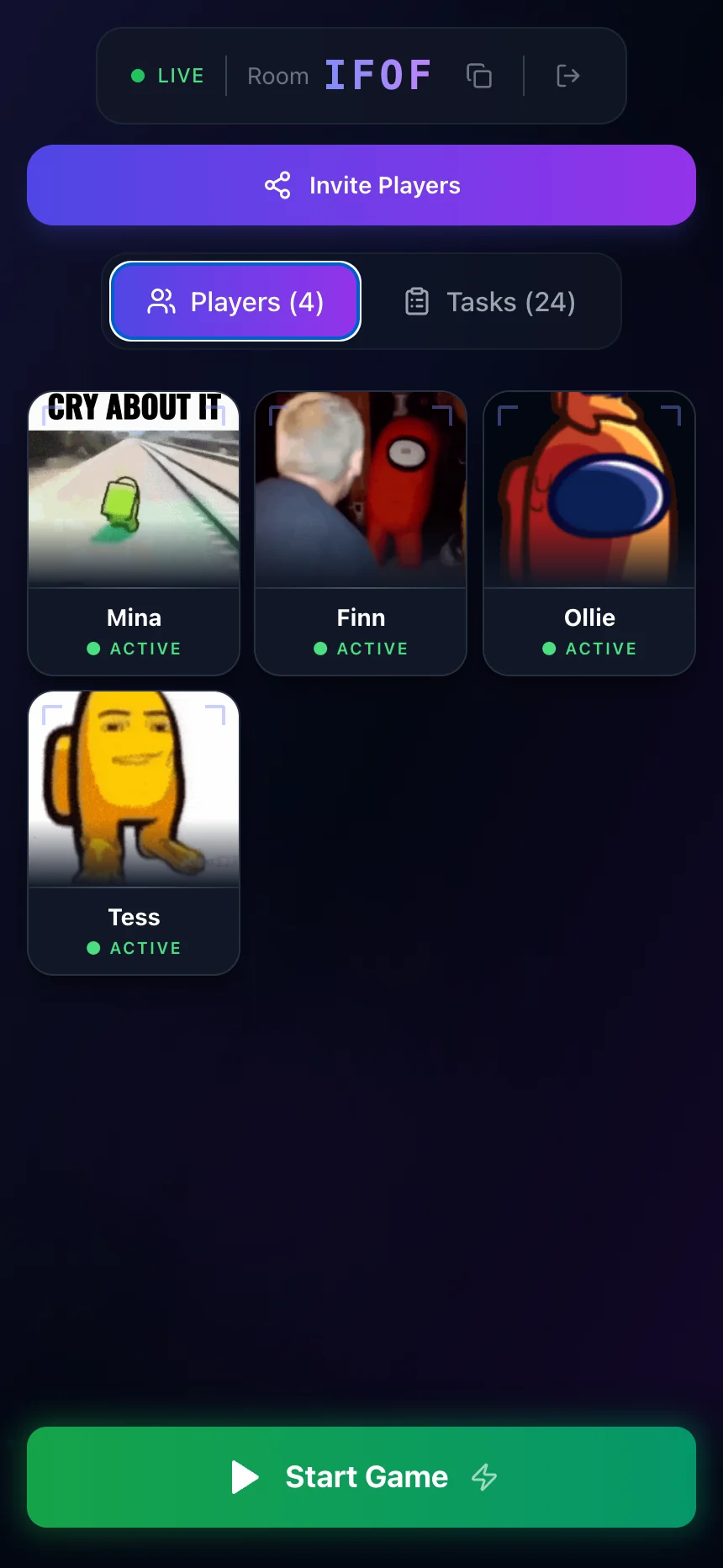
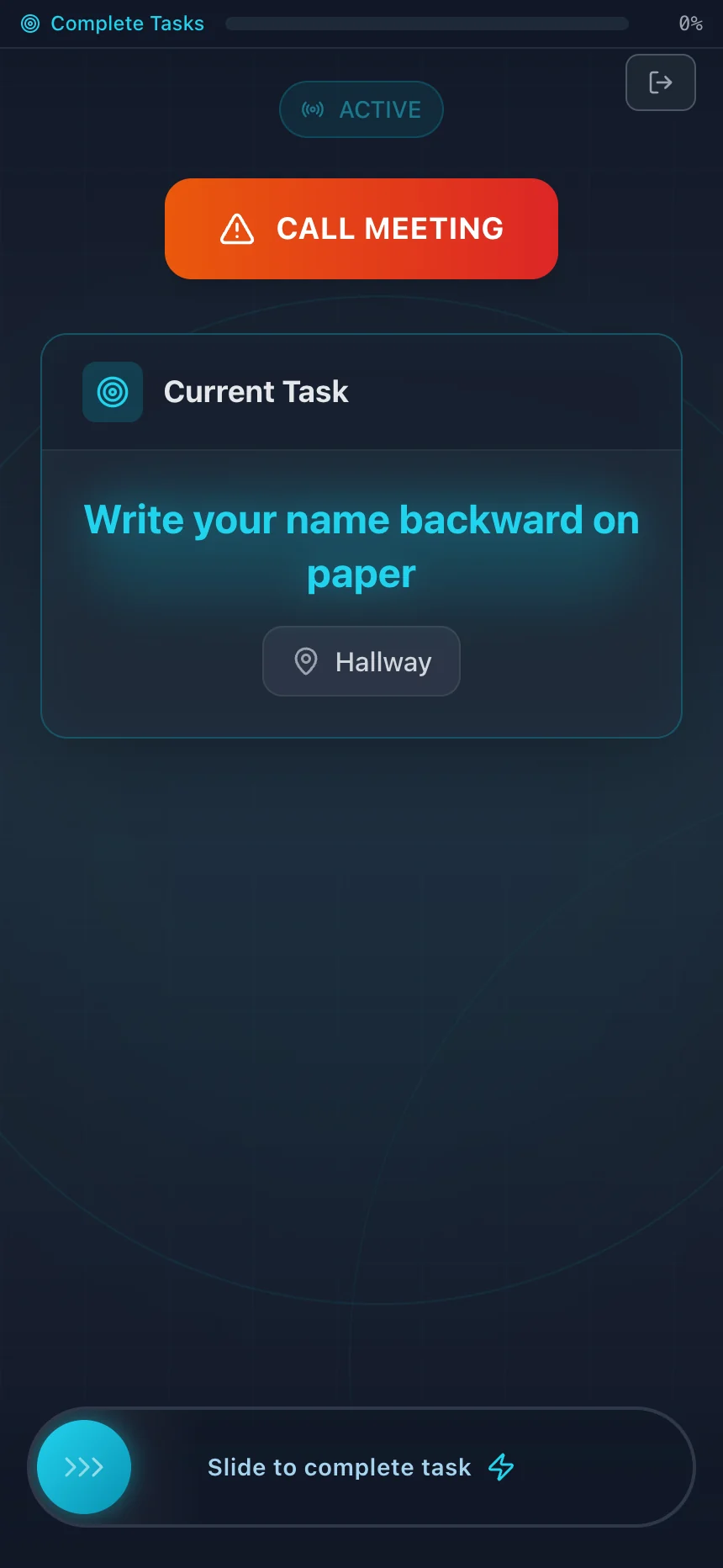
Example games with fictional players. Select a screen to view it full size.
Pick your areas in the generator. Review every task against the actual room. Supply paper, pencils, cards, and any other listed materials.
Take the pack into a new game, create the room, and import the generated tasks. Share the four-letter code with the guests.
Explain task completion, the meeting point, eliminations, and votes. Use the crew tutorial or talk through a practice task before you start.
Ask which tasks caused confusion after the round. Adjust those before the next game. Save cake and guest arrivals for a break between rounds.
These are example stations for your own list. Use shared materials and reset each station between players.
Set out six reusable cards with numbers. Ask players to put them in order, then shuffle them for the next person.
Ask players to count the visible cushions and write the number on their own paper. Nothing needs to move.
Place a short symbol sequence on a card. Each player copies it onto their own paper, then returns to the game.
Give every task one location and one clear finish. Use the task ideas by room to fill out the list. The app trusts players to mark tasks complete; it does not check their answers.
This setup opens the house preset with ten players and a mix of task styles. Change the guest count and areas, review the list, then carry it into host setup.
Free browser game · No account or install · Everyone plays in the same place
Yes. Paper roles and task cards suit a party without enough phones. You also need someone to manage progress and votes. OriginalMOM’s printable party guide provides one paper-based example. Sus Party is the browser option, with its own win rules.